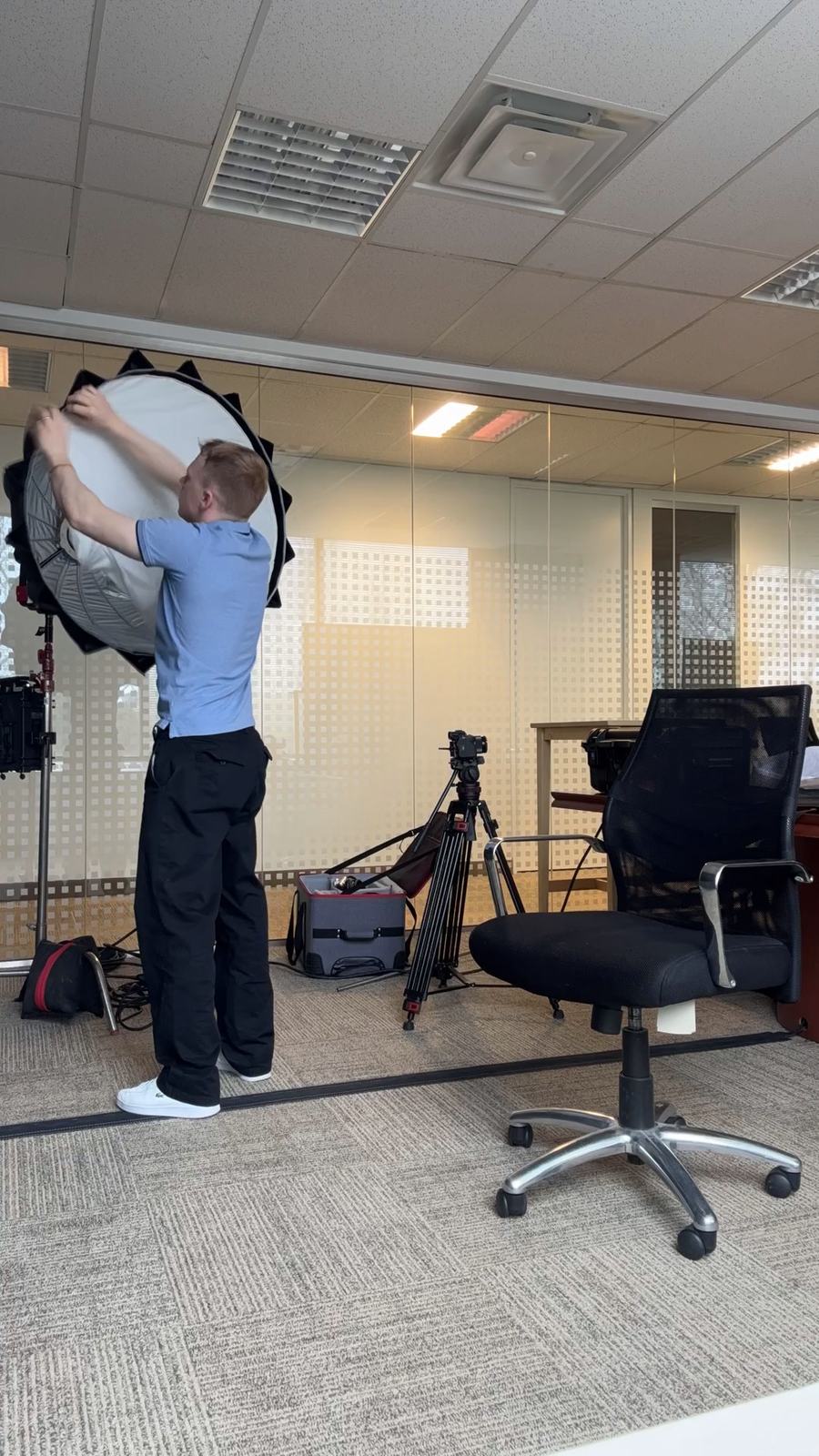
Training video production is the planning, filming and editing of videos that teach employees a task, a process or a policy. The useful ones are short and specific: one task, shown in the place it happens, by someone who does it well, with the steps on screen. They are also built to change, because the process they teach will change before the video wears out.
At Nowa Film, a Toronto video production company, we make training and internal videos for companies alongside our brand films and commercials. This guide covers which training videos are worth producing, how to script them with your subject experts, what to plan for when filming in a working space, and what moves the cost.
Which training videos are worth producing?
Video earns its cost when a task is easier to show than to describe, when many people need the same explanation, or when a mistake is expensive. A written checklist is still the better tool for a task that changes every month.
| Format | Good for | What to film | How often it changes |
|---|---|---|---|
| Leader welcome | Onboarding, values, a change in direction | A leader speaking to camera in your own space, with scenes of the team at work | Rarely, until the leader or the message changes |
| Task demonstration | Equipment, procedures, quality checks | The expert doing the task, with close-ups of hands, controls and results | When the process or the equipment changes |
| Software walkthrough | Internal tools and customer systems | Clean screen capture from a demo account, with a short intro on camera | With every major release |
| Scenario | Customer conversations, safety decisions, conduct | Short scenes played by staff or cast, then the right way to handle them | When the policy behind it changes |
| Town hall or event recap | Internal news and recognition | The key moments of the event, cut for people who could not attend | Never: it records a moment |
Start from the task, not the script
Most training videos go wrong at the brief. They try to cover a whole role in one film, or they start from a policy document and read it aloud. Begin instead with three answers:
- Who is learning? A new hire in week one needs different detail from an experienced employee learning a new tool.
- What should they be able to do afterwards? Write it as an action: “change the filter safely”, not “understand the maintenance policy”.
- Who signs it off? Name the process owner, and the people in HR, health and safety or legal who must approve the content.
Then ask your strongest person to do the task while someone records it on a phone, talking through each step. That rough recording shows the real order of the work, the steps people skip and the places a viewer will need a close-up. It is the most useful document a production team can receive.
Scripting with the people who do the work
Subject experts know the task, but they are rarely writers, and few enjoy reading a script to camera. Split the work:
- The expert explains. From the phone walkthrough, list the steps, the common mistakes and the one thing a new person always gets wrong.
- The script shapes it. One task per video, plain words, short sentences, and the steps repeated as on-screen text so viewers can follow with the sound off.
- The owner checks accuracy. The process owner approves every step before the shoot. You own the accuracy of the content; the production team owns how clearly it is shown.
- The camera stays natural. Let the expert talk through the task in their own words while they work, and keep scripted lines for a short intro or a voice-over recorded separately.
Our guide to writing a video brief covers the rest of what a production team needs before the first planning call.
Filming in a working office, plant or store
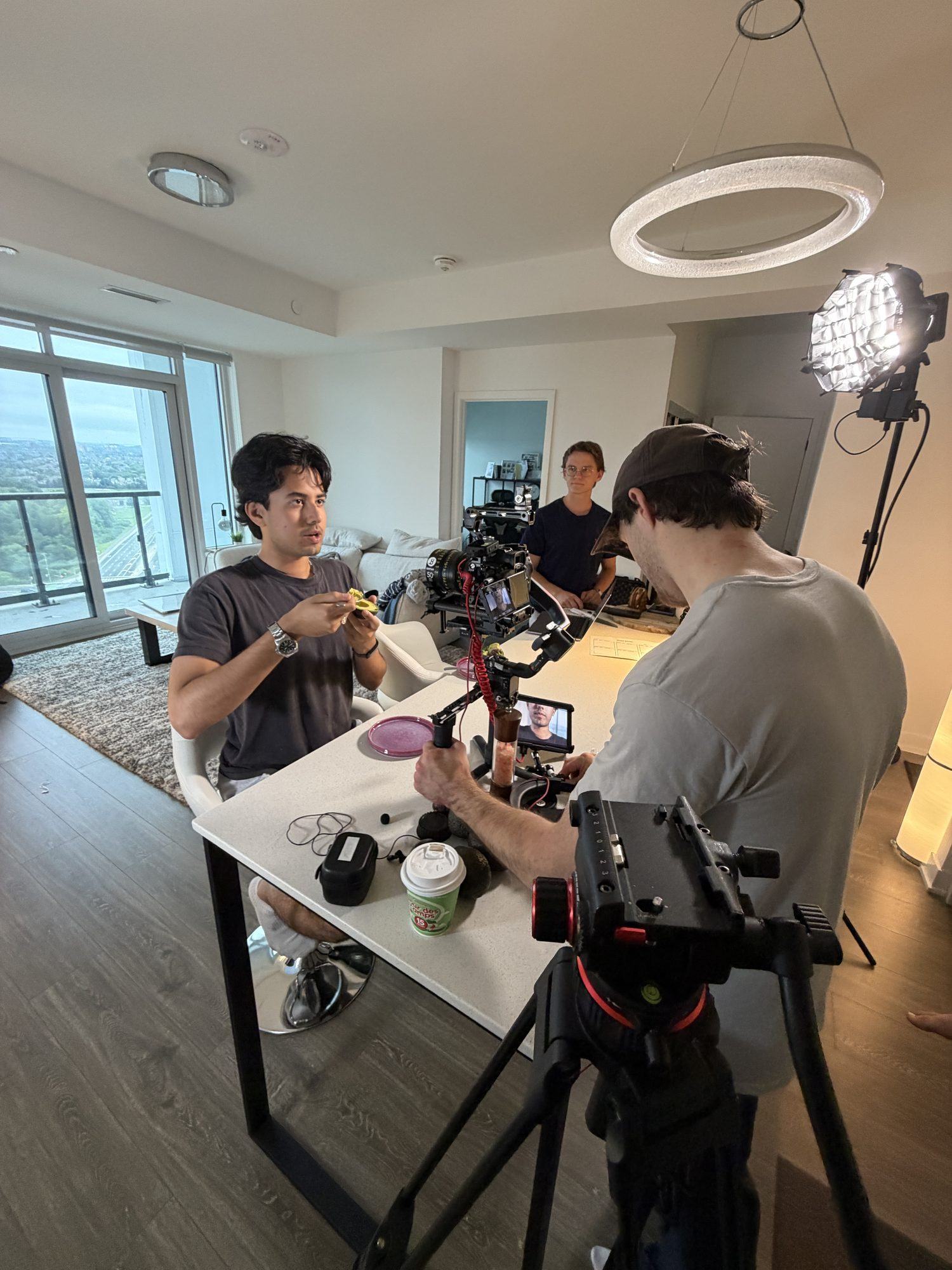
Training is filmed where the work happens, which means filming around the work. A little planning keeps the day calm:
- Book the shoot around shifts, deliveries and busy hours, and agree which areas stay open to staff.
- Collect a release from everyone who appears on camera, including people passing in the background.
- Clear screens, whiteboards and paperwork of customer names, prices and anything confidential before the camera turns on.
- Follow the site’s own rules for protective equipment and restricted areas, and have the site contact walk the crew through them first.
- Plan for noise: machinery, ventilation and open-plan chatter decide where the microphones go and when to record voice-over instead.
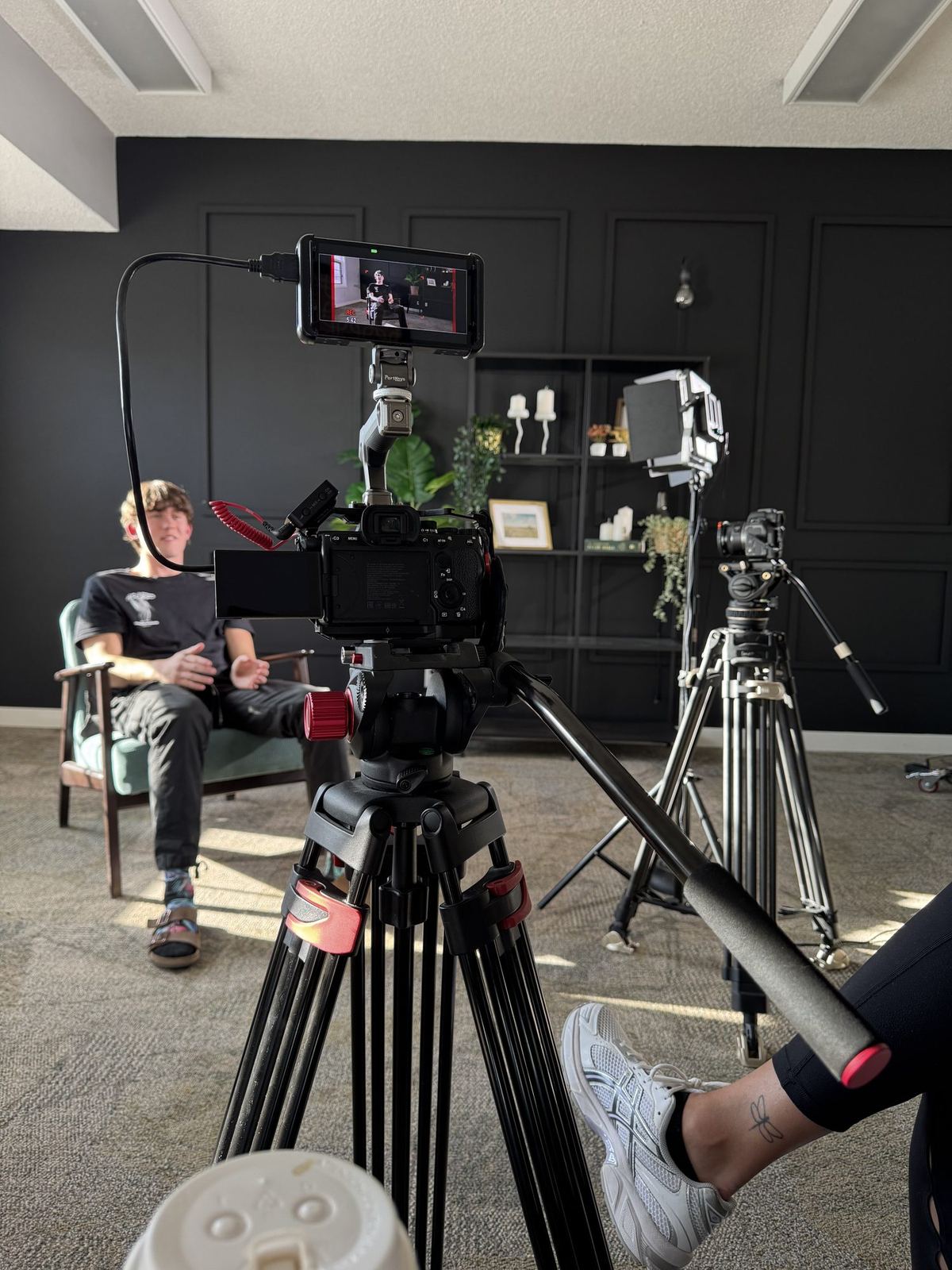
Office light is rarely kind on camera. Our note on lighting a room you cannot control explains how we work with overhead panels and windows rather than against them.
Build the videos so they can be updated
A training video’s real cost shows up a year later, when the process changes. These choices keep the update small:
- Short chapters. Split a long process into separate videos, so a changed step means re-cutting one chapter rather than the whole course.
- Nothing that dates it. Leave out dates, seasonal details, prices and the names of people likely to move roles.
- Voice and picture kept apart. A voice-over recorded separately can be re-recorded without a new shoot.
- Screens captured separately. Software steps recorded as their own clips can be swapped after a release.
- Files you can find. Keep the masters, the project files, the caption files and a note of who appears in each video in one organised place.
Ask for captions as separate files as well as burned in, and agree the file format your learning platform needs before the edit starts.
How long should a training video be?
As long as one task takes to show clearly, and no longer. A short procedure may need a minute or two; a complex one is better split into chapters a viewer can finish and come back to. If a video needs a table of contents, it is probably several videos.
Plan a series as one shoot
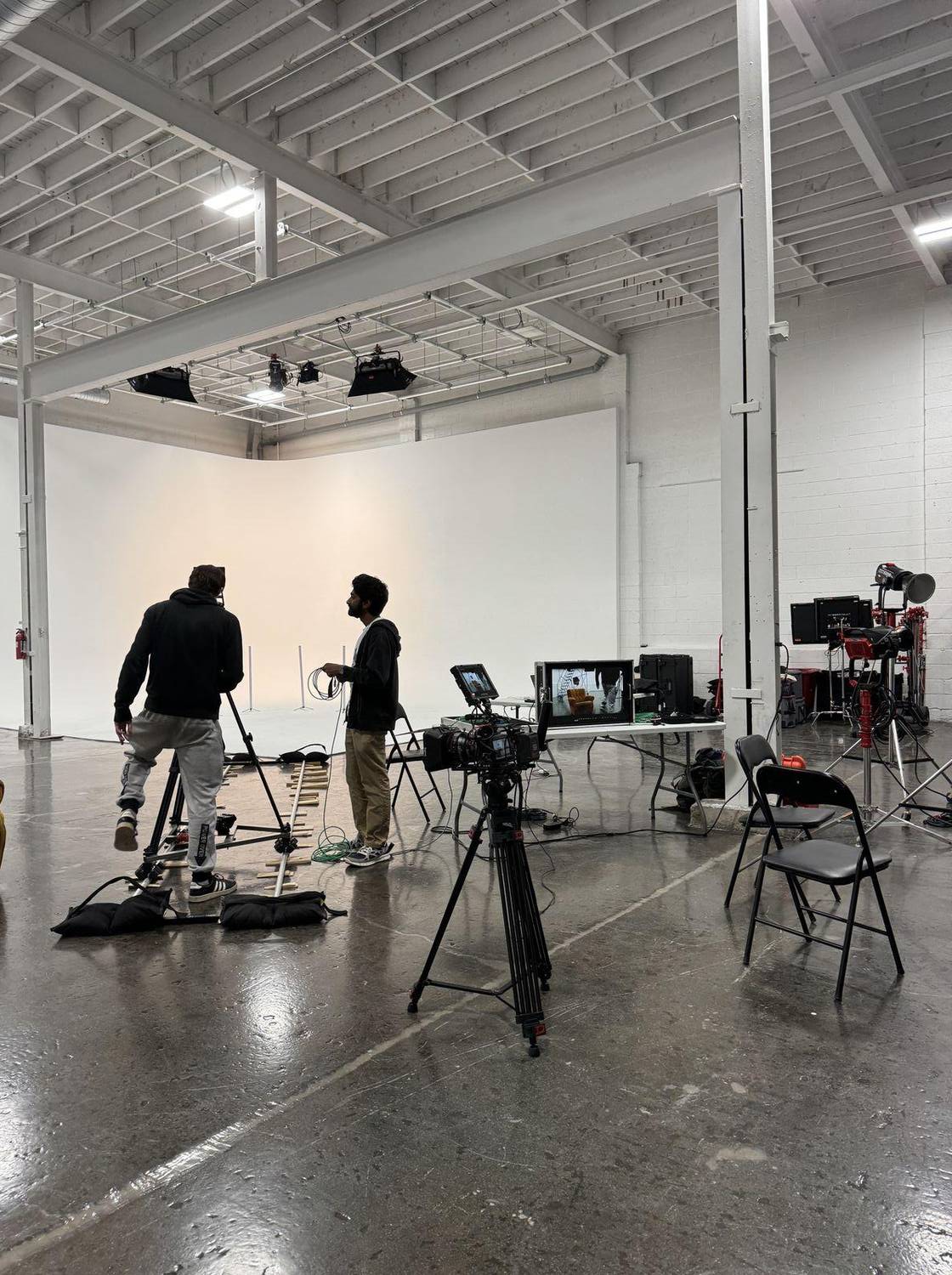
Training rarely needs a single video. Planned together, a series can share one shoot day: the same crew, lights and location, moving from task to task while the experts are already free. Our content day guide shows how one planned day supplies many pieces, and the same logic applies to a set of training modules.
What training video production costs
Nowa Film publishes its rates in Canadian dollars. Training and internal videos fall within video production, which usually costs $3,500 to $25,000. Where a project lands depends on the number of videos and shoot days, the locations, the people on camera, any screen capture or scenarios, and the number of versions and languages. Our quotes include the revision rounds and every cut and version, and every project is quoted to its scope; see our published rates.
How Nowa Film makes training and internal videos
Nowa Film is founder-led. Noah Wachnik, our founder and director, leads each project with a small in-house crew, and we bring in extra crew when a shoot needs it. Pre-production is handled in full, from scripts and storyboards to locations and schedules, and we plan sets beforehand in 3D software, so the shoot day in your office, plant or store runs to a plan your team has already seen. Our productions are insured.
Noah replies within 12 hours, or you can book a 20-minute introductory call on Google Meet.
Quick answers
What is training video production?
Training video production is the planning, filming and editing of videos that teach employees a task, a process or a policy. Good training videos show one task in the place it happens, with the person who does it well and the steps repeated on screen, and they are built in short chapters so they can be updated when the process changes.
How do you script a training video with subject matter experts?
Record the expert doing the task on a phone first, talking through each step. List the steps, the common mistakes and what new people get wrong, then write one task per video in plain words, with the steps as on-screen text. The process owner approves every step before the shoot, and the expert talks naturally while working rather than reading lines.
How much does training video production cost in Toronto?
Nowa Film lists training and internal videos under video production, usually $3,500 to $25,000 CAD, and quotes every project to its scope. The number of videos and shoot days, locations, people on camera, screen capture or scenarios, and versions or languages move the price. Planning a series as one shoot day lets several modules share the same crew and setup.
 Google Meet